The future will be built upon irrational decisions.
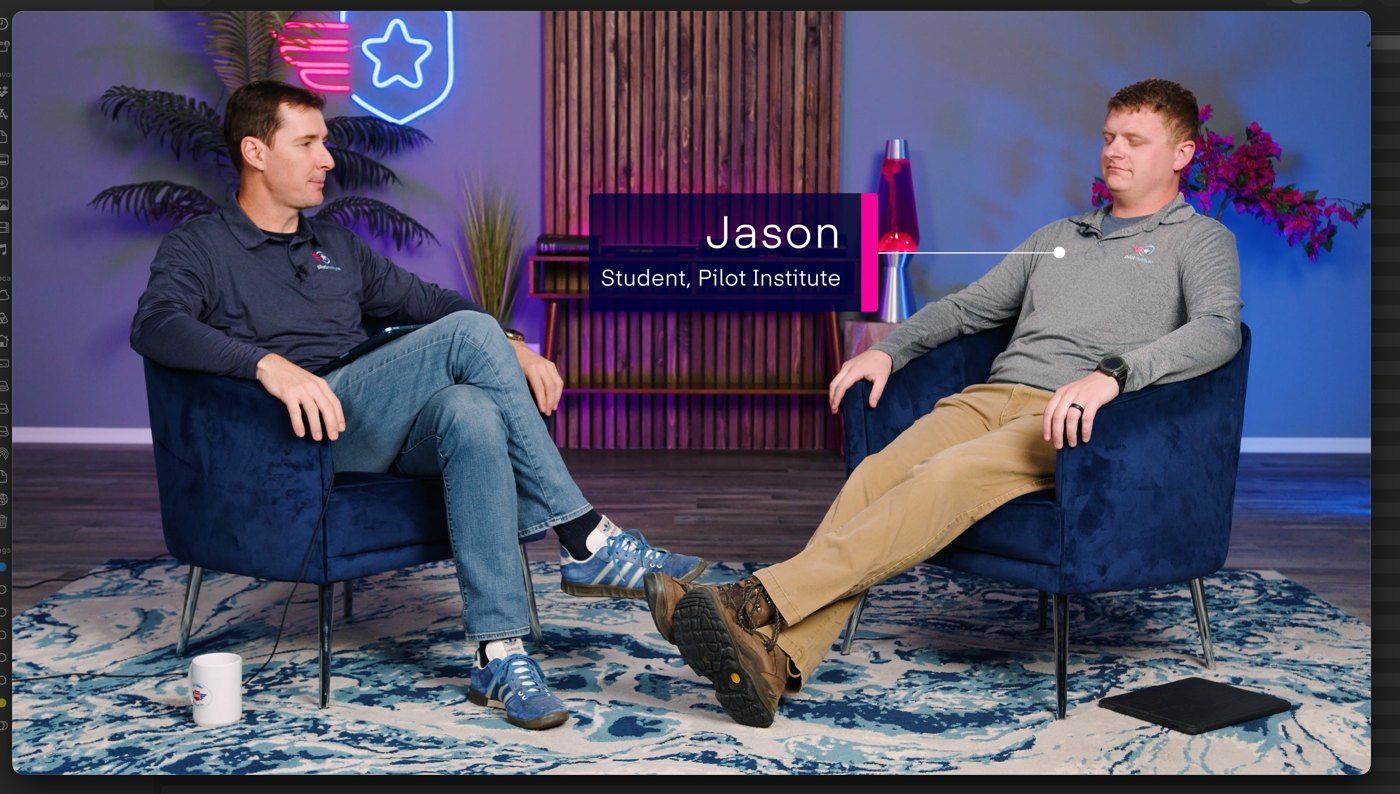
For Jesse Ekkerd · Pilot Institute
AI changed how creatives do what they do.
We get two paths.
We embrace it.
Or we slowly fade away.
How I got here
I was happy editing videos.
And I kept looking for a better, faster way to do it. Every few months, that became a new system.
System 1 · The Figma era
Design. Export. Import. Animate. Repeat.
01
Screenshots into Figma
One frame per moment of the cut.
02
Design and notes
What each screen needs, written under it.
03
Export as PNG
Into Premiere, one by one.
04
Animate by hand
Keyframes, every video, every time.
System 2 · A shared design guide
Then we built the guide together.
The Pilot Institute Design Guide, built with the team. One standard for courses and one for organic videos, and every treatment documented with real frames.
Meanwhile · the tools I used to go faster
How do I do it faster?
While we built the guide, I also used plugins, extensions and AI services to automate parts of my work. I kept looking for ways to optimize my workflow to make better videos.
P
Premiere Composer
Animation presets
F
FireCut
Captions
A
Auphonic
Better audio
A
Artlist
Music and B-roll
E
ElevenLabs
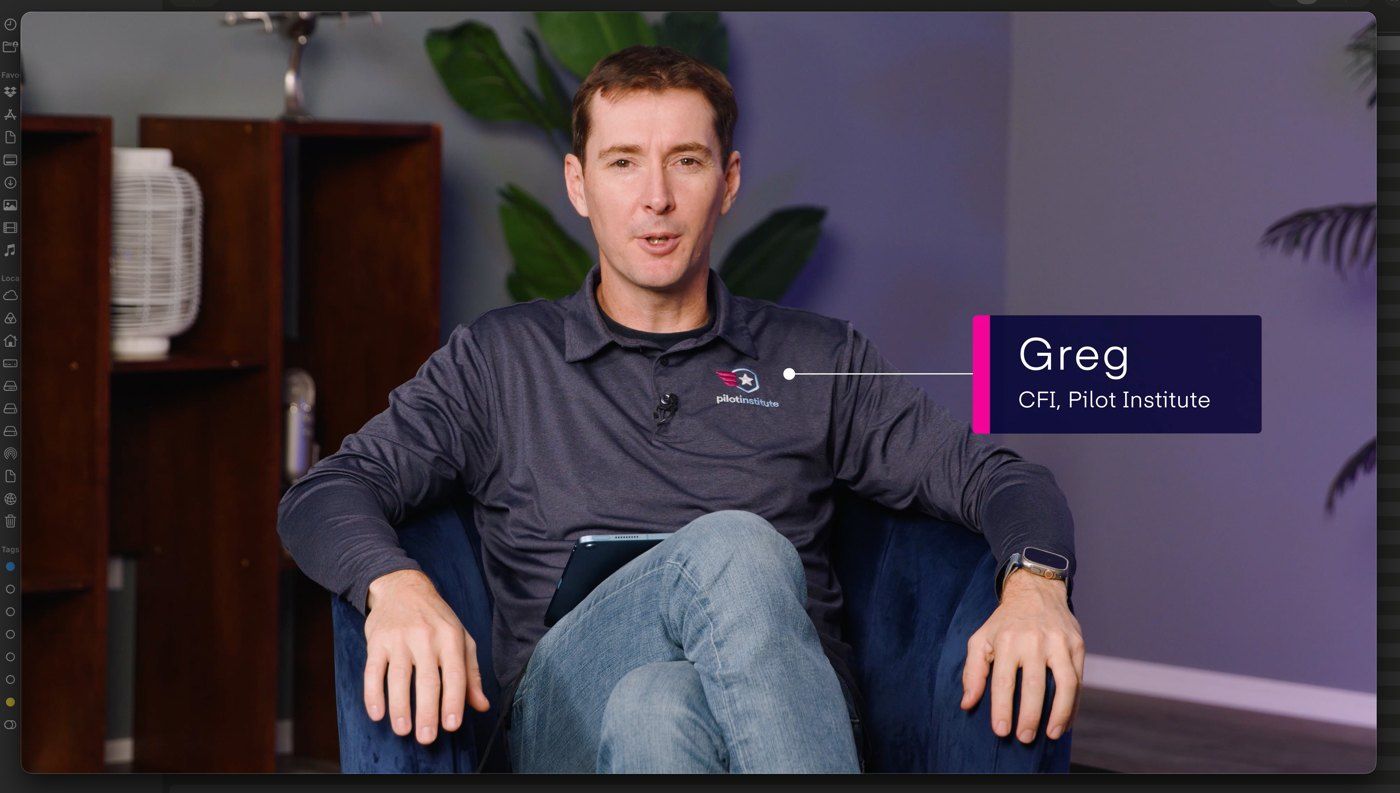
Fixing some of Greg’s audio
F
Frame.io
Feedback and review
System 4 · Why I asked for this meeting
How do I automate what I do?
Claude skills. Written instructions that turn Claude into a specialist for one job. Five of them for Pilot Institute, every rule learned from a real correction.
Every Runway Marking Explained: 65 graphics, decided by the skill.
1The skill read the transcript of the video.
2Each line on the bar is one graphic it placed, at its exact second.
3Click one: what Greg says, the treatment, the note to the editor and a preview.
00:0003:0006:0009:0012:0013:30
Treatment
Note to the editor
For fifteen years, we bought software.
Now we can build it.
Pilot Institute already does. Nobody had built them for editing yet.
An editor’s week, before
The same hours, every video.
01Templates lived in one old project, copied into every new one.
02Captions in a paid plugin, one seat per editor.FireCut
03Feedback in another subscription, one seat per person.Frame.io
04Five editors on two different programs.Most of the team on Final Cut Pro · me on Premiere Pro and After Effects
The moment
I went to find the limits of AI.
Two websites
Built with AI, start to finish.
A client portal
Logins, requests, files.
An invoicing module
Because I needed one.
“Why not my editing tools?”
The question that started the rest.
I built the tools.
The ones you’re about to see.
The first thing I rebuilt
Templates, in three steps.
Step 1
Optimize the projects
Cleaned up the After Effects and Premiere Pro template projects.
Step 2
Native course templates
Premiere .mogrt files: edit text and color, and the animation stays exactly as designed.
Step 3
One click away
A panel inside Premiere and After Effects that drops them on the playhead.
Phase 2
Ad templates
Loaded and being refined.
Course templates
One look, whoever edits.
Live in Premiere
One click. On the playhead.
First the usual way, from Essential Graphics. Then the panel: pick a graphic, press Insert, edit the text. Installs on any editor’s Mac with one double-click.
Motion Graphics - ILABPilot Institute ▾
CoursesAdsAfter Effects
PI Lesson TitleInsert
PI Title + List BoxInsert
PI AcronymInsert
PI Bold StatementInsert
PI Icon ListInsert
PI Info Box BottomInsert
Made by Irrational Lab
Live in Premiere
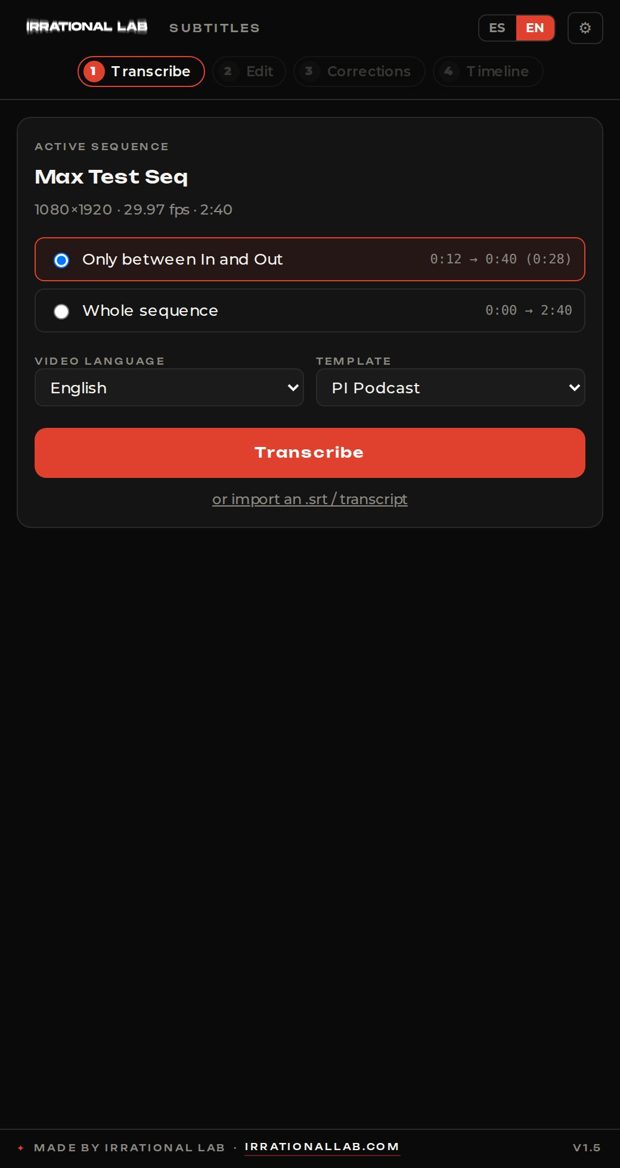
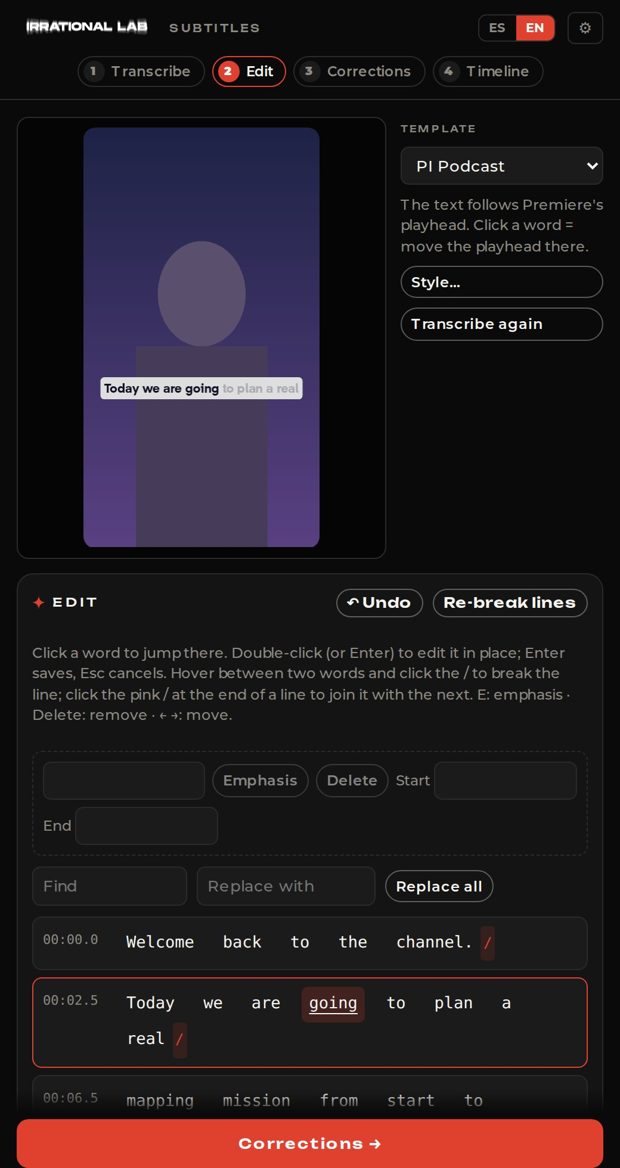
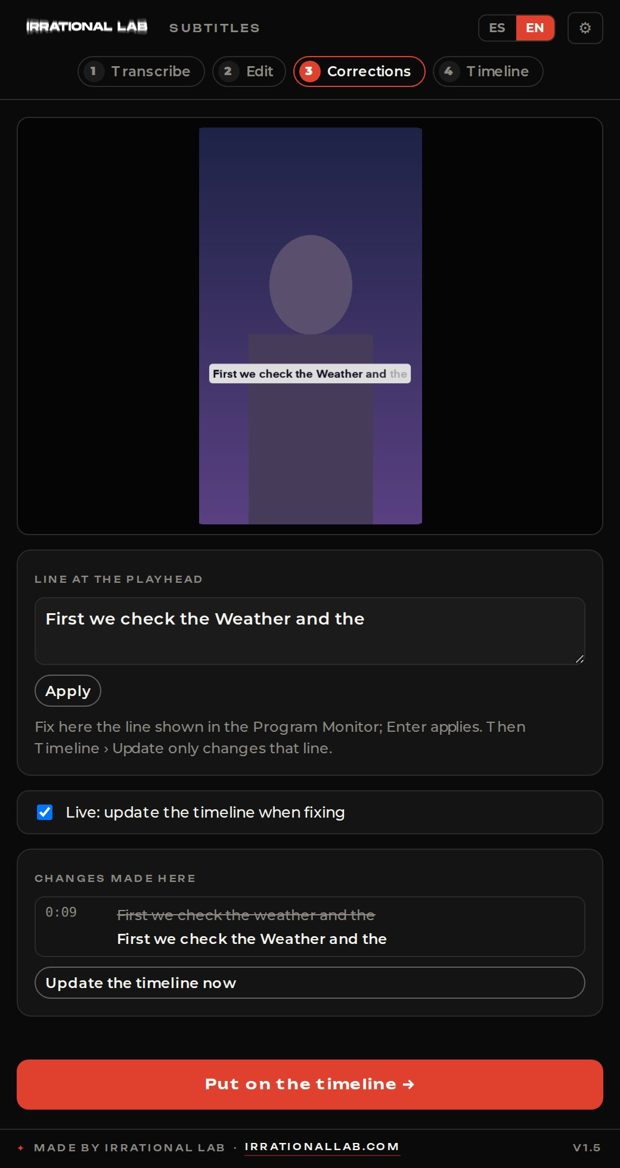
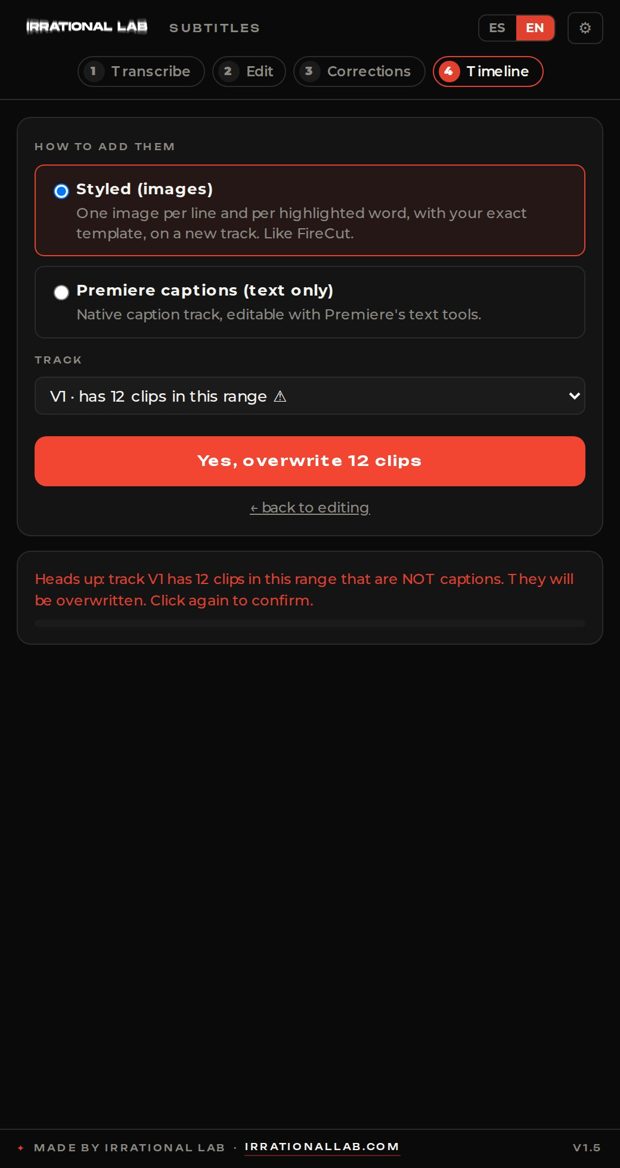
Captions, without the subscription.
So I wrote the code for our own captions tool. Inside Premiere.
6 s
to transcribe 582 words
76 s
573 captions on the timeline
1.5 h
what captions used to take, now minutes
1 · Transcribe2 · Edit3 · Corrections4 · Timeline
The next question
Could I build a Premiere extension with the animations I use most?
Today that’s Premiere Composer, a paid plugin of animation presets. Ours: only the animations we actually use, as a native ILAB panel, growing with every new case.
In the worksNative Premiere panelBuilt from our real cases
Documented for the whole team
Every tool ships with a guide.
English and Spanish. All guides will live in one shared place for the team.
One year · list prices · annual billing
Every year
$4.2k
in subscriptions for this team. Ours cost nothing per seat.
Sept 2026 list prices: FireCut Pro $20/mo per seat billed yearly (Team plan $34/mo) · Mister Horse (Premiere Composer) $198/yr · Frame.io Team $21.75/mo per seat billed yearly. Sources: firecut.ai, misterhorse.com, frame.io.
The Graphics Sheet workflow
From transcript to timeline.
One more thing…
Our own production platform
Jarvis
Every tool, one place, built for how we work.
Why online too?
For anyone who needs it fast.
No Premiere, no After Effects. An editor in a hurry, a producer, someone on the road: captions or a Pilot Institute graphic from the browser, even from a phone, straight into CapCut.
BrowserPhoneCapCutTransparent video
Inside Jarvis
Production, end to end.
You can follow along tooclients.irrationallab.comUser pilotinstitute · Password pilotinstitute2026Open the portal ↗
Subtitles · web
Captions in any browser.
The same engine as the Premiere panel. Transcribe, fix words in place, translate into 7 languages, and export.
.srtBurned-in .mp4Transparent .mov7 languages
Projects save to Jarvis automatically: open them from any computer.
Motion graphics · web
Type it. It’s on brand.
Live preview in Pilot Institute’s style. In Jarvis it exports as transparent video.
Review & approval · Flight lesson cut v2Changes requested · In development
Comments on the exact frame
Publishing kit · Every Runway Marking ExplainedExample · from the transcript
YouTube chapters
Title options · pick one
Every Runway and Taxiway Marking Explained
The One Color Rule That Explains Every Airport Marking
Runway Markings: What Every Line Means Before You Cross It
Description
About 1,600 runway incursions happen in the U.S. every year, and the cause is rarely weather. Greg walks through every runway and taxiway marking, threshold to threshold: what each one means, which lines you may cross, and who has to say yes.
Pinned comment
Which marking confused you the most on your first taxi? Tell us below.
Production boardClick a card to move it forward
Requests
Ask for a video in one place.
A new video, changes to a cut, or the link to the footage. Each request becomes a card on the board, with its date and details.
New video · Crosswind landings, step by step Due Oct 14 · footage link attached
Changes · Every Runway Marking Explained, v2 3 notes · lands in Editing
Footage · FNG Lesson 13, Dropbox link Shows up in Updates
Jarvis + the skills
The skill writes the sheet. Jarvis does the rest.
The visual guide decides every graphic of a video. Jarvis takes that Graphics Sheet and builds the graphics. That’s what comes next.
Coming next · built for courses
Every graphic of a course, in one export.
01
Approve the guide
The skill’s visual guide for the lesson.
02
Send the sheet
The Graphics Sheet goes into Jarvis.
03
Render in bulk
Every infotext as a transparent .mov.
04
Drop it in
An XML places each one at its time.
Half built today. Coming in the next versions.
Already in the works
What’s next.
Premiere
Our own Composer
Premiere Composer is a paid plugin of animation presets. We rebuild only the ones we use, as our own panel, and add more as we need them.
Ads
Ad templates, phase 2
54 ad templates in 16:9, 4:5 and 9:16 are already loaded. Next: refine each one, so a new ad is mostly text and media.
Courses
Older courses, remade
Courses made before the new templates get their animations rebuilt, so every course looks the same.
Final Cut Pro
For the whole team
The panels for Final Cut, about 2–3 weeks each with testing.
Editing
Silence finder
Find and cut the silences in a recording before the edit.
Audio
Audio cleanup
Leveling and noise reduction, Auphonic-style, in-house.
Review
Our own review tool
Comments on the frame, versions and approvals, finished.
And then
One bigger idea
On the next slide.
The biggest idea
Tools for our students.
Pilot Institute teaches editing and drone courses. The same tools, under the Pilot Institute brand, could go to the people taking them.
CaptionsTemplatesReviewPilot Institute brand
The future will be built upon irrational decisions.